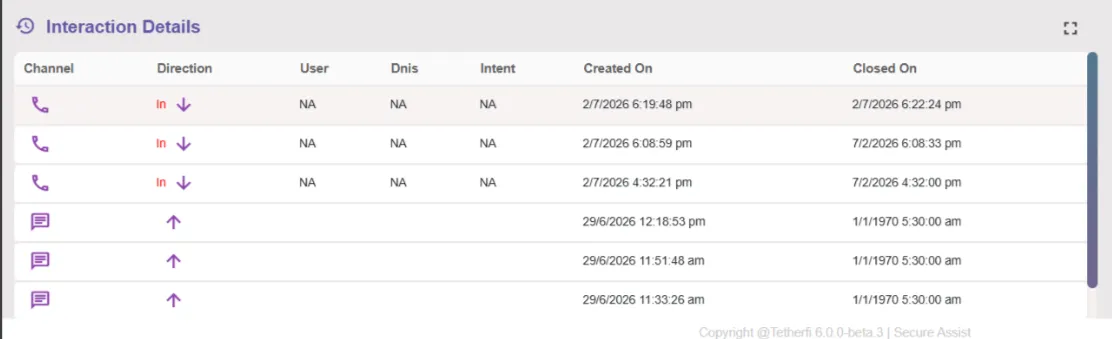
How to use Secure Assist?
2 min
Launch the Secure Assist application on your desktop.
Secure Assist's Speech-to-Text (STT) engine starts automatically as soon as the call is answered.
The microphone icon indicates that live transcription is active for the current call.

On click of the button , the Secure Assist dashboard will be launched with STT/ call conversation in progress.
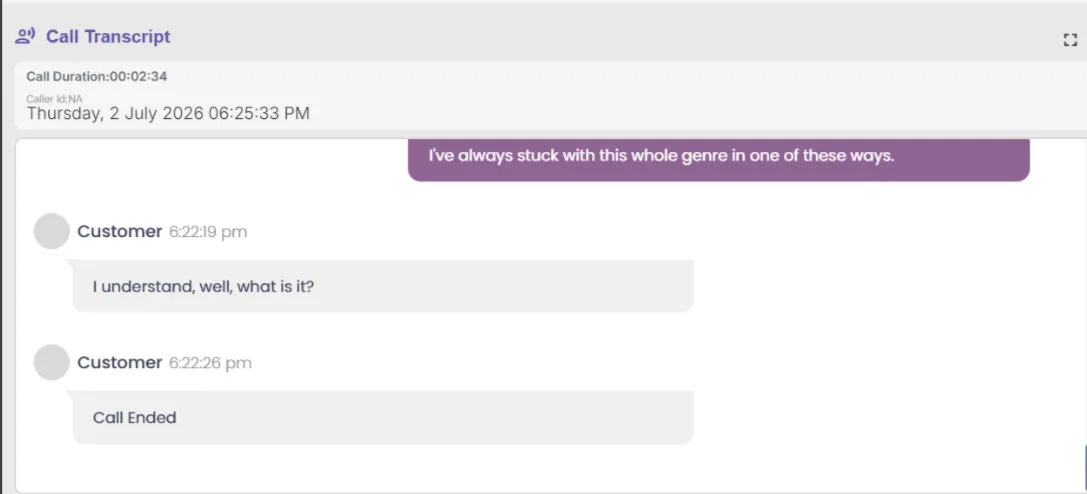
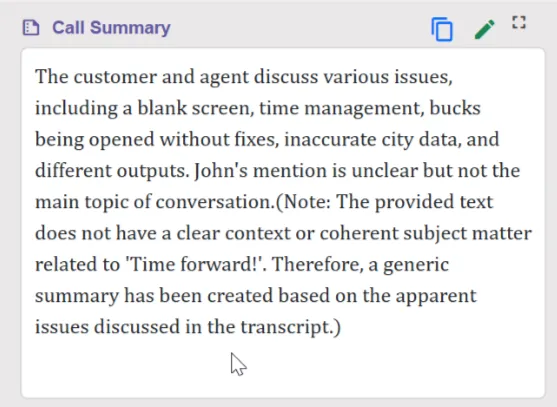
On the end of the call , The call summary will be generated.
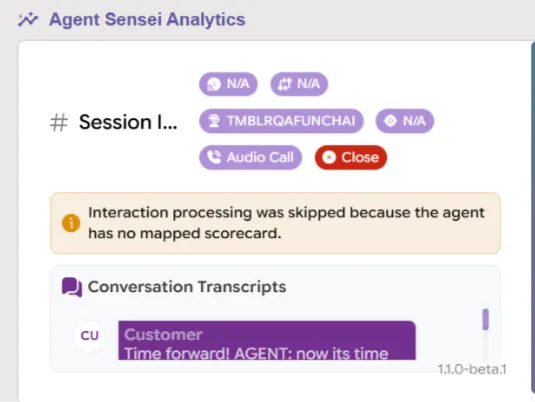
The agent quality metrics will also appear where the agent can see his/her performance scores.
The agent can also view Call History , click on any and read the summary or the performance metrics of that Call.