Organizational Structure
Overview
Tetherfi's Secure Work from Home solution sits on top of Tetherfi's platform. This platform supports the concept of "organizational structure" which is a way to identify a hierarchy of teams and organizations with related supervisors over each group.
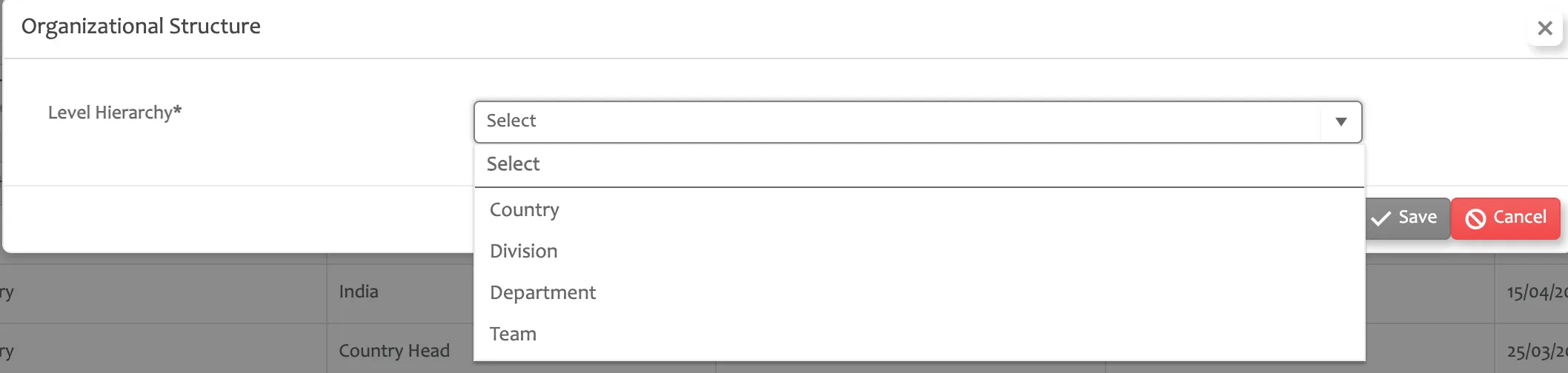
Tetherfi supports 4 levels: Country, Division, Department, and Team. The specific meanings of these level names are not as important as the fact that the Country level is the top level and the Team level is the lowest level in the hierarchy.
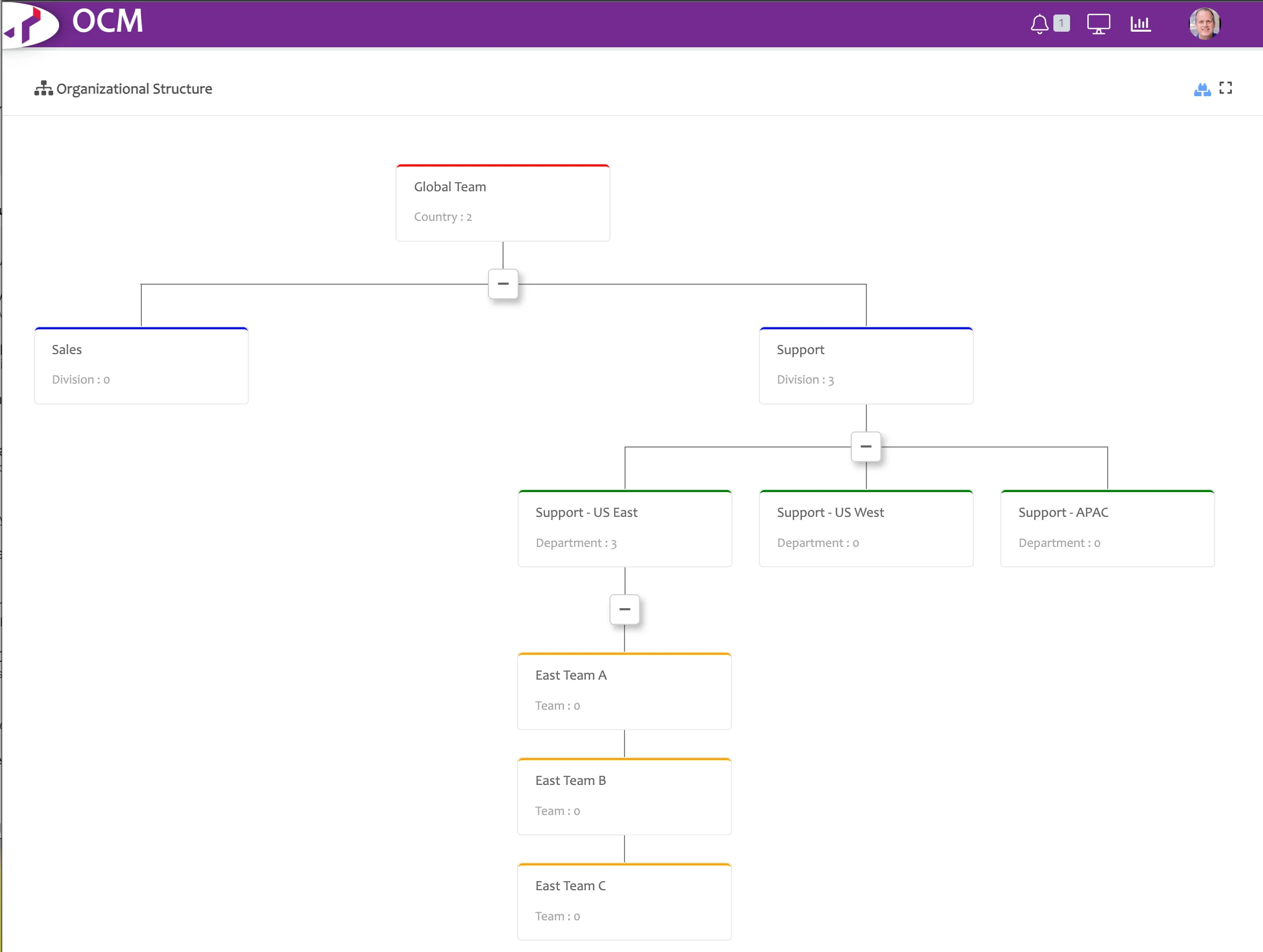
For example, let's assume our entire organizational uses Tetherfi's Secure Work from Home, and we are setting up our support organization. We could create the following hierarchy in Tetherfi's admin module, OCM. Only the Support - US East is fleshed out for this example below. In reality, all of the divisions would have multiple departments and departments, multiple teams.
Building Your Organizational Structure
To build out your organizational structure, we recommend starting on paper or in a spreadsheet. Define your teams of agents with supervisors for each. Then group your teams into "departments" and give those departments names and supervisors. Then group your departments into "divisions" and give those divisions names and supervisors. And up to the country level. Note that you can have as few as 1 country, division, department, and team; however, you need at least 1 at each level.
Once you have laid out your organizational structure, you enter it into OCM from the top down. In other words, you start by creating a country, then creating a division within a country, and so on.
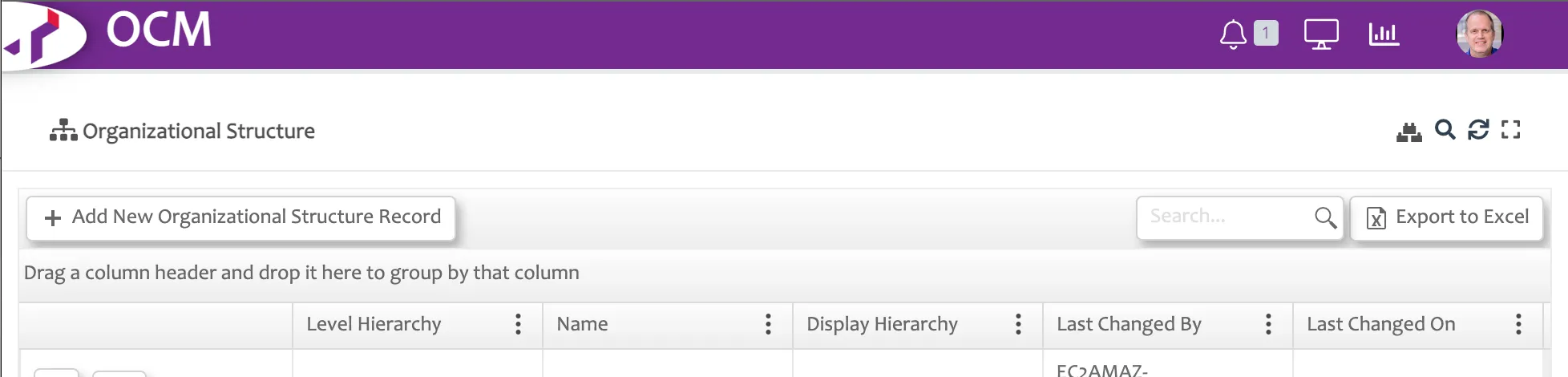
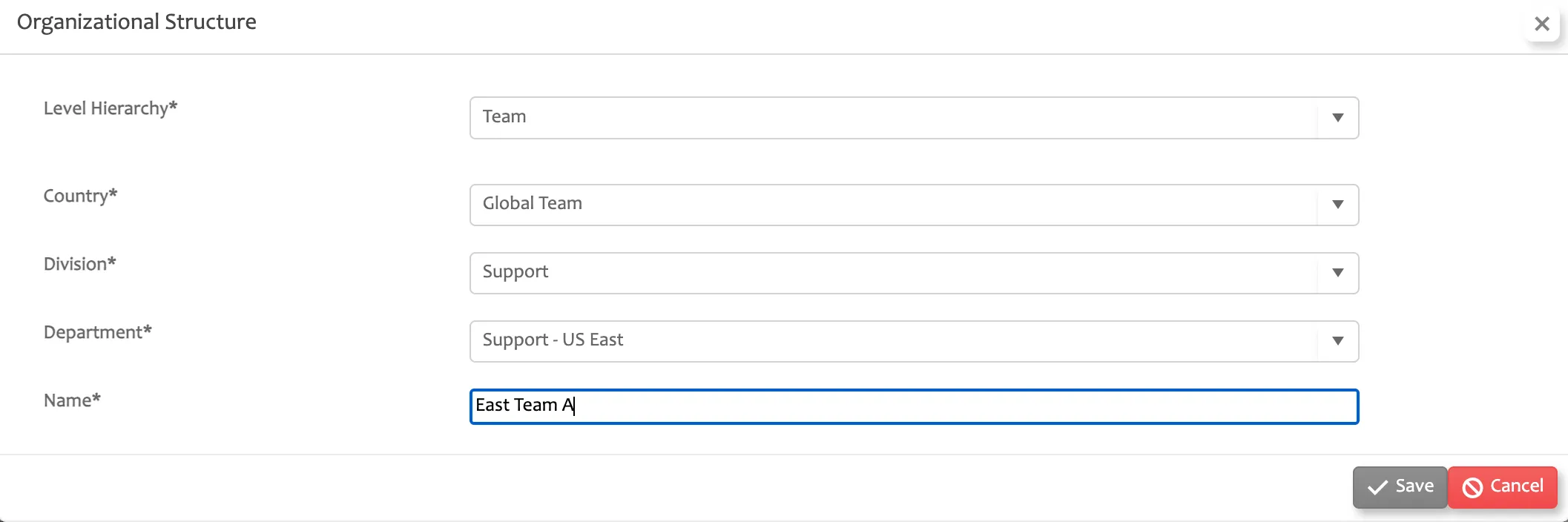
Go to "Organizational Structure" in OCM and select the button "Add New Organizational Structure Record".
When adding a new entry to your organizational structure, remember that you must select a level (Country, Division, Department, or Team) and that all levels of the hierarchy above the entry you are adding must already exist. So, if you want to add a team, that team's department must exist, and so on up the hierarchy.
Viewing Your Organizational Hierarchy
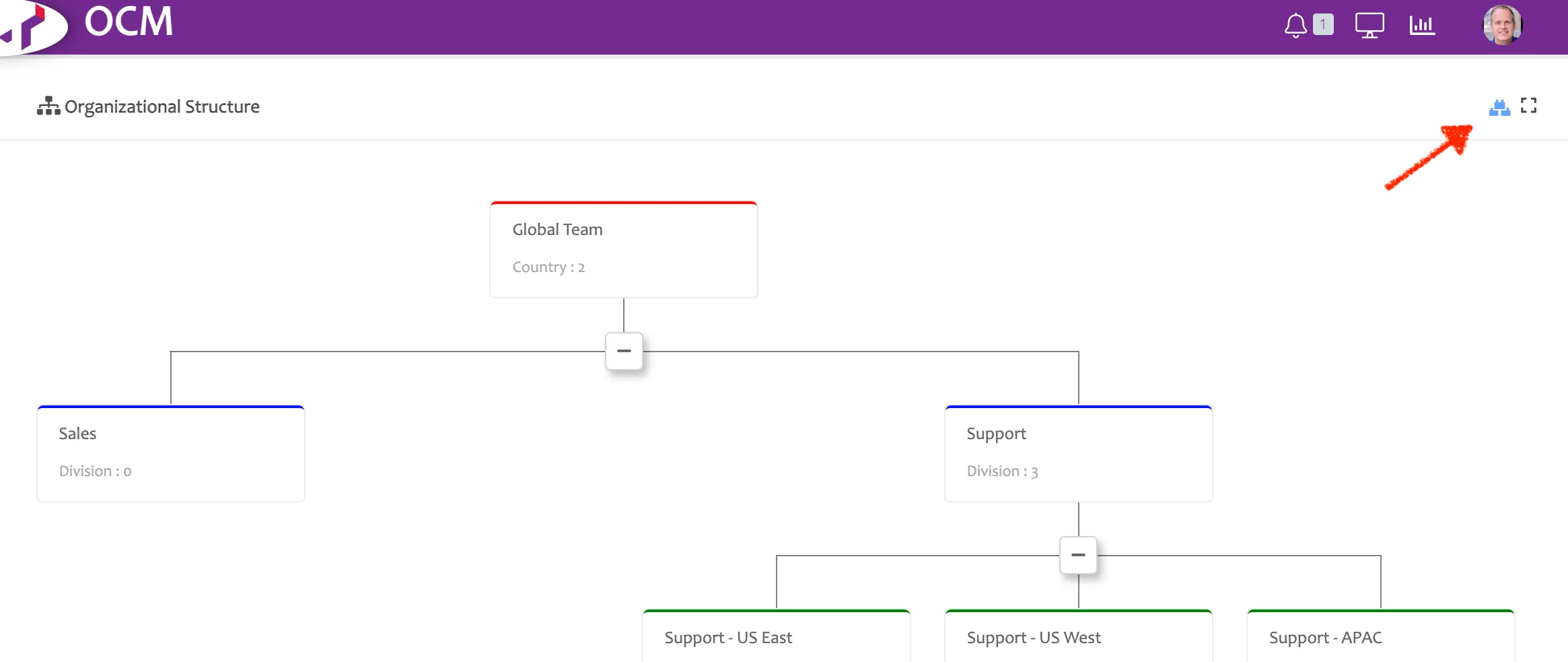
To view your organizational structure in tree form, click on the "Hierarchy View" button in the upper right.